loading · pillar
pillar · guides
Guides
Practical reference: firmware, modding, switches, keycaps. Sectioned and freshness-stamped so the answers age honestly.
Section
Firmware
Guides
ZMK for wireless and split builds: a practical guide
QMK answers almost every firmware question on a wired board. Add a battery and a second half, and the honest answer changes — this is the guide for the builder standing at that fork.
thock10 min read
Guides
Keyboard firmware, compared: QMK, VIA, and VIAL
A first-time builder finishes a beautiful board, sits down to remap right-shift to enter, and discovers the firmware question is the one nobody warned them about. The catalog has three serious answers and an opinion about each.
thock11 min read
Section
Modding
Guides
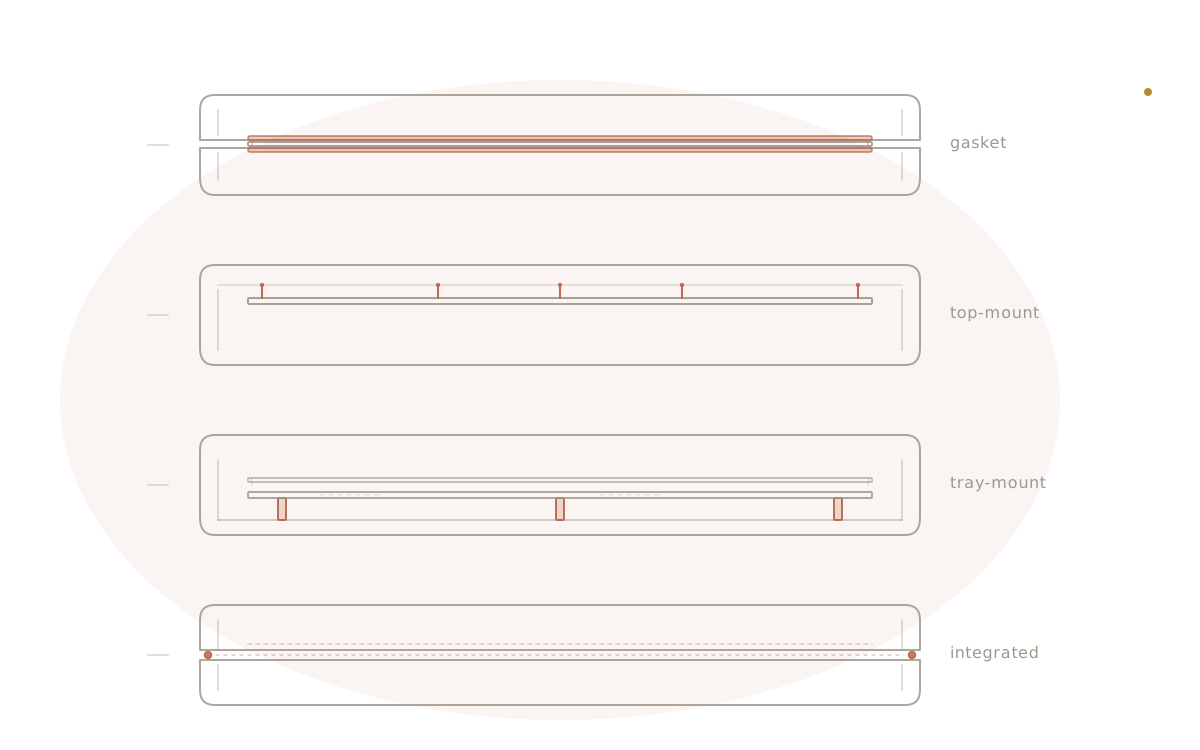
Mounting styles, compared: gasket, top-mount, tray, and integrated plate
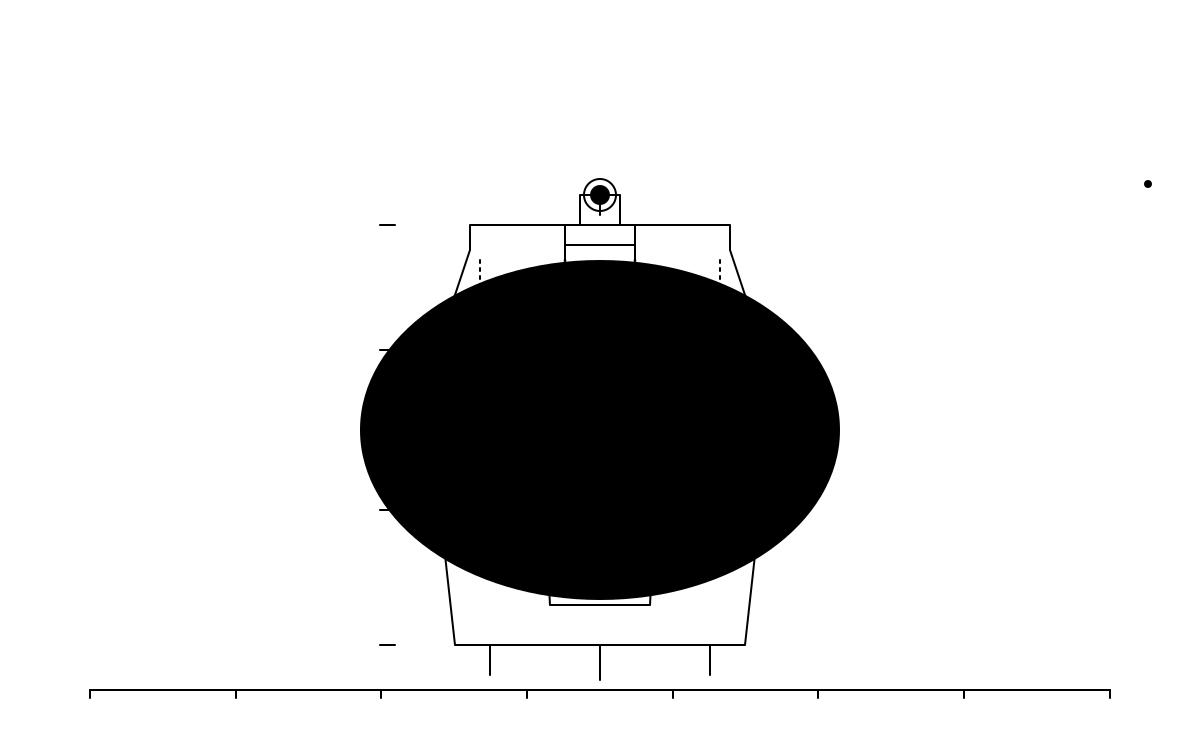
A builder who has lubed switches and tuned stabilizers and chosen a keycap profile and still cannot place why their next board feels different from their last one is usually meeting the mount style. The plate's relationship to the case is the half of the typing feel that nobody discusses on a sound test.
thock13 min read
Guides
Keyboard cables, compared: coiled, straight, and the connector that actually matters
Every builder eventually stares at a cable dropdown and has to decide whether to care. Here's what coiled versus straight actually changes, and why the keyboard-side connector — not the color of the sleeve — is the decision that follows the board for its whole life.
thock9 min read
Guides
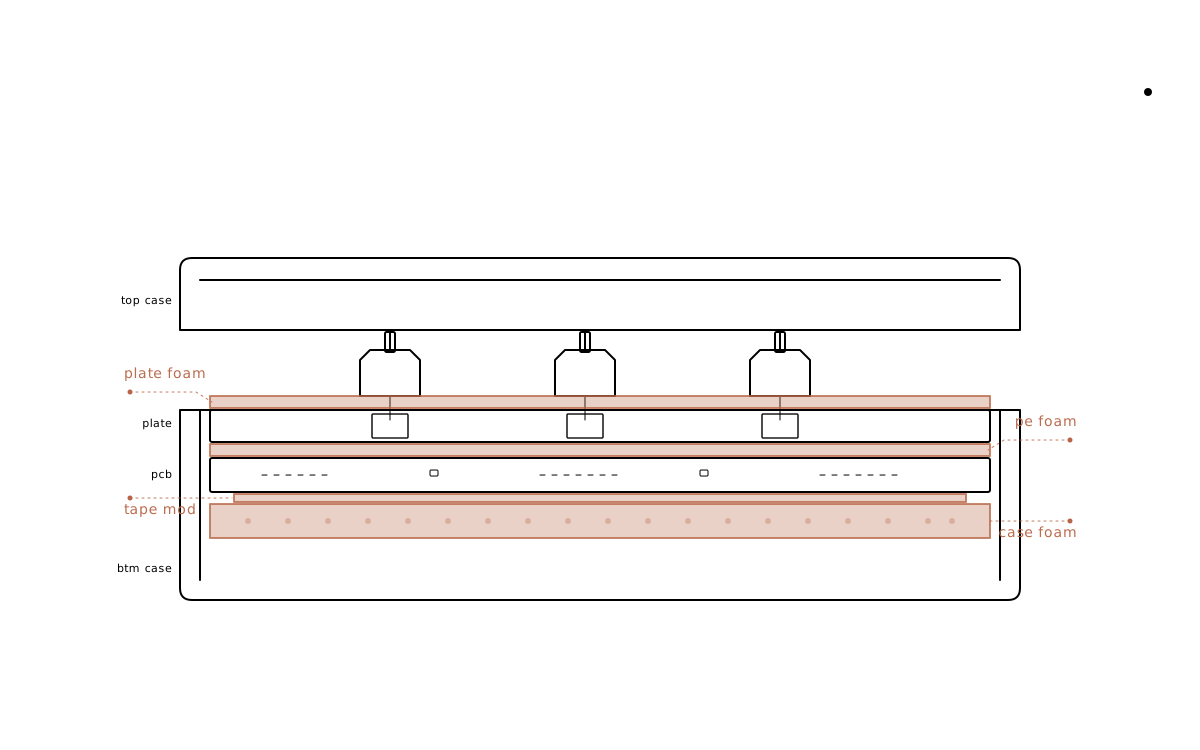
Sound dampening, compared: case foam, plate foam, PE foam, and the tape mod
Four layers, four very different jobs. Here is what each sound mod actually changes, where it sits in the build stack, and the order to stack them in if you only have time for one or two.
thock9 min read
Guides
Lubing 101: what matters, what doesn't, and where to stop
Lube moves the sound and feel of a switch in ways nothing else in the build can. It also chews up a Saturday and ruins switches when applied with the enthusiasm the rabbit-hole crowd recommends. Here is the version that earns its keep.
thock9 min read
Guides
Stabilizers explained: from stock rattle to silent smoothness
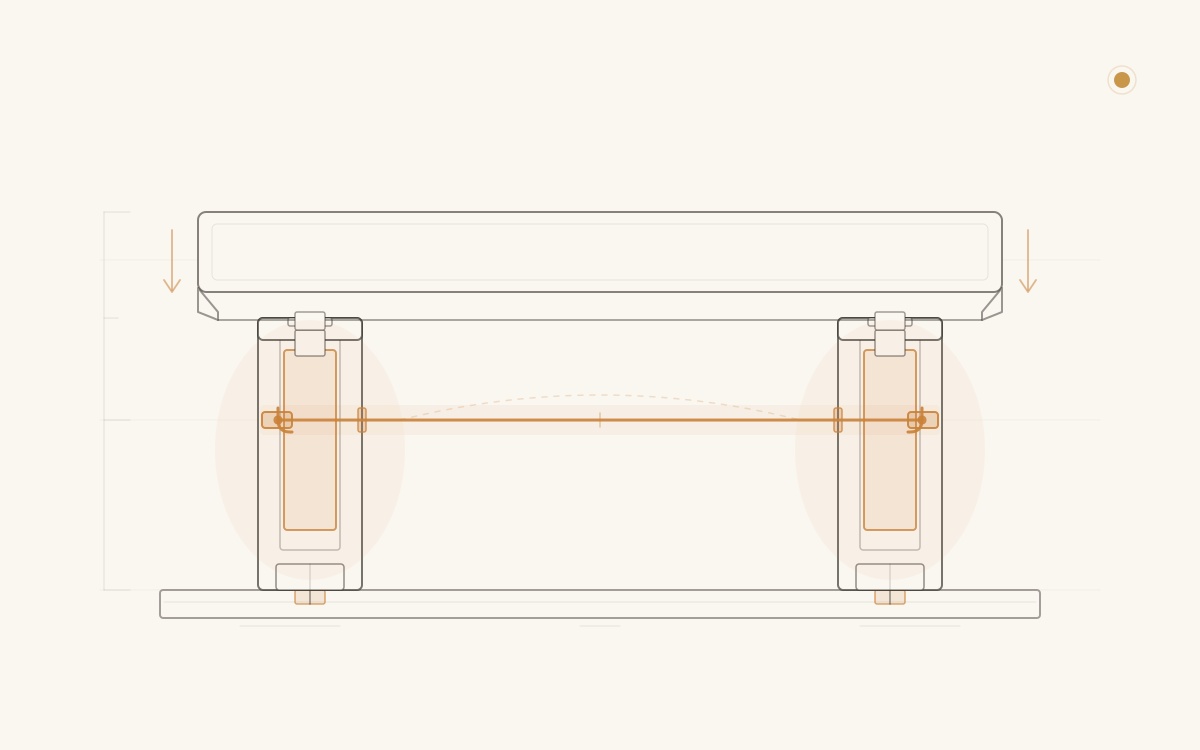
Stabilizers are the most acoustically influential component most builders treat as an afterthought. Understanding what they are and why they fail changes every build that follows.
thock12 min read
Section
Switches

Guides
Hall-effect keyboards: a practical buyer's guide
Rapid trigger, per-key actuation depth, analog axis output — Hall-effect keyboards deliver all three, but only if the firmware matches the hardware. Here is what to look for, what to pay, and who should skip the category entirely.
thock10 min read
Guides
Switch housings, compared: nylon, polycarbonate, POM, and the rest
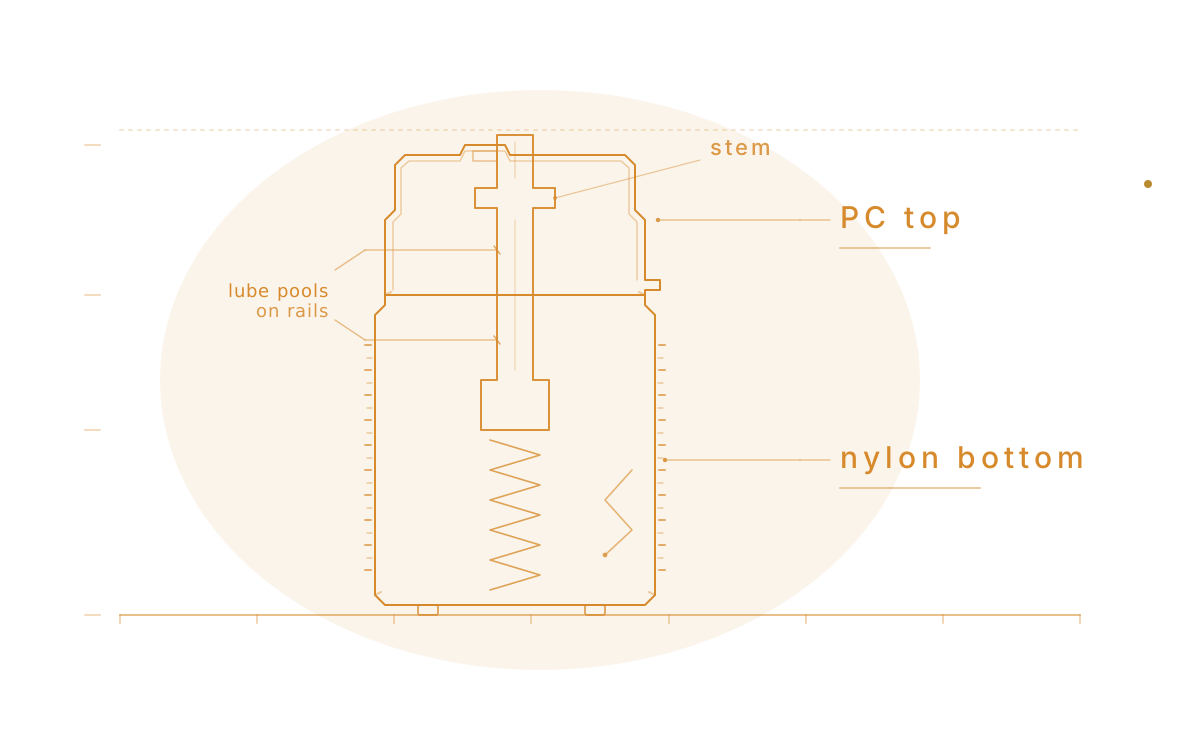
The housing line on a switch spec sheet is the second-most-important thing about a switch, after the type, and most buyers skim past it. Material decides how the switch rings, how the stem rails feel under a finger, and how much grace it gives a bad lube job. A 'PC top, nylon bottom' tag is doing more work than its three words suggest.
thock10 min read
Guides
A beginner's guide to picking your first switch
Switches are the single biggest factor in how a keyboard feels and sounds, and the catalog has grown overwhelming. This guide narrows the entire market into three families, explains who each one is for, and gives a three-step path from curiosity to a confident first purchase. By the end, the reader can pick a category without second-guessing.
thock8 min read
Section
Keycaps
Guides
Artisan keycaps: a practical buying guide
A single sculpted cap on the Escape key can cost more than the switches underneath it, and the buying process looks nothing like ordering a keycap set. Here is what an artisan actually is, how the raffles work, and the one check that keeps a buyer from winning a cap their board can't use.
thock9 min read

Guides
ANSI, ISO, or JIS: a practical layout buying guide
Two boards can look nearly identical in a listing photo and still take entirely different keycap sets. Here's how to read Enter key shape, bottom-row widths, and spec-sheet shorthand before ordering — not after a set arrives that doesn't fit.
thock9 min read
Guides
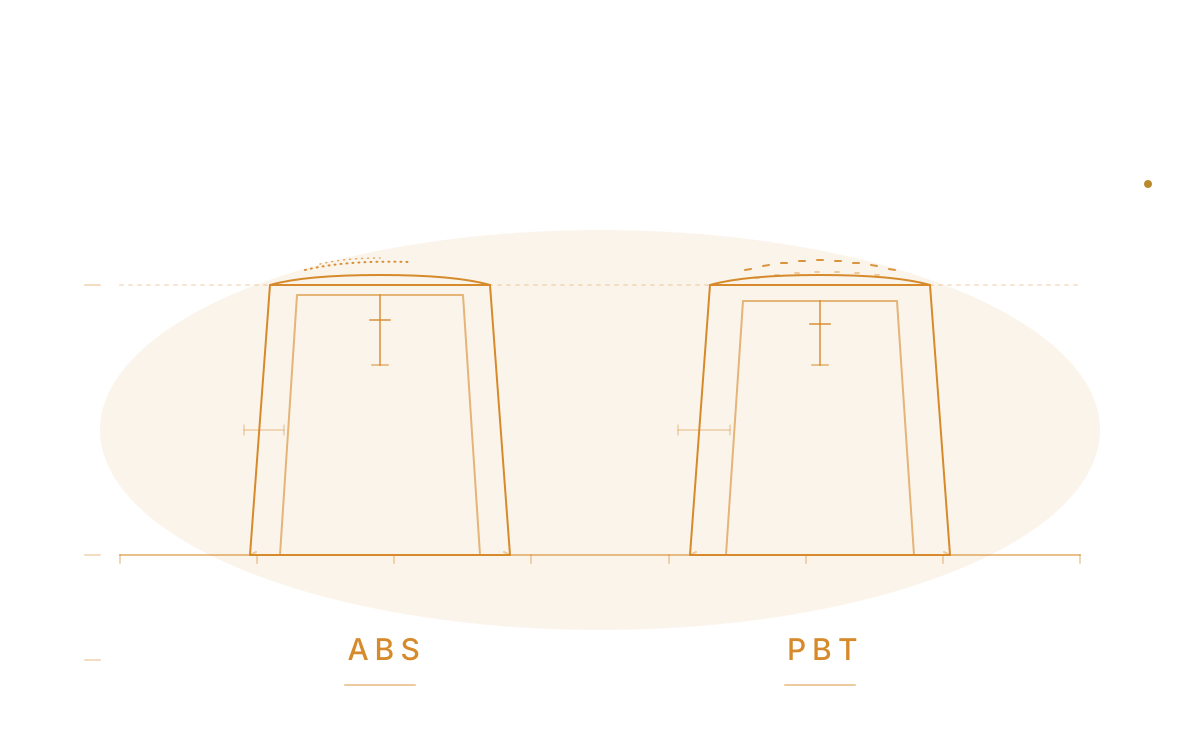
Keycap materials, compared: ABS, PBT, and the rest
Most builders obsess over switches and quietly accept whatever keycaps came in the box, then wonder six months in why their board doesn't sound like the YouTube video. Half the answer is the plastic. Material decides how a cap rings, how it ages, and what it feels like under a fingertip on day one and day one thousand.
thock10 min read
Guides
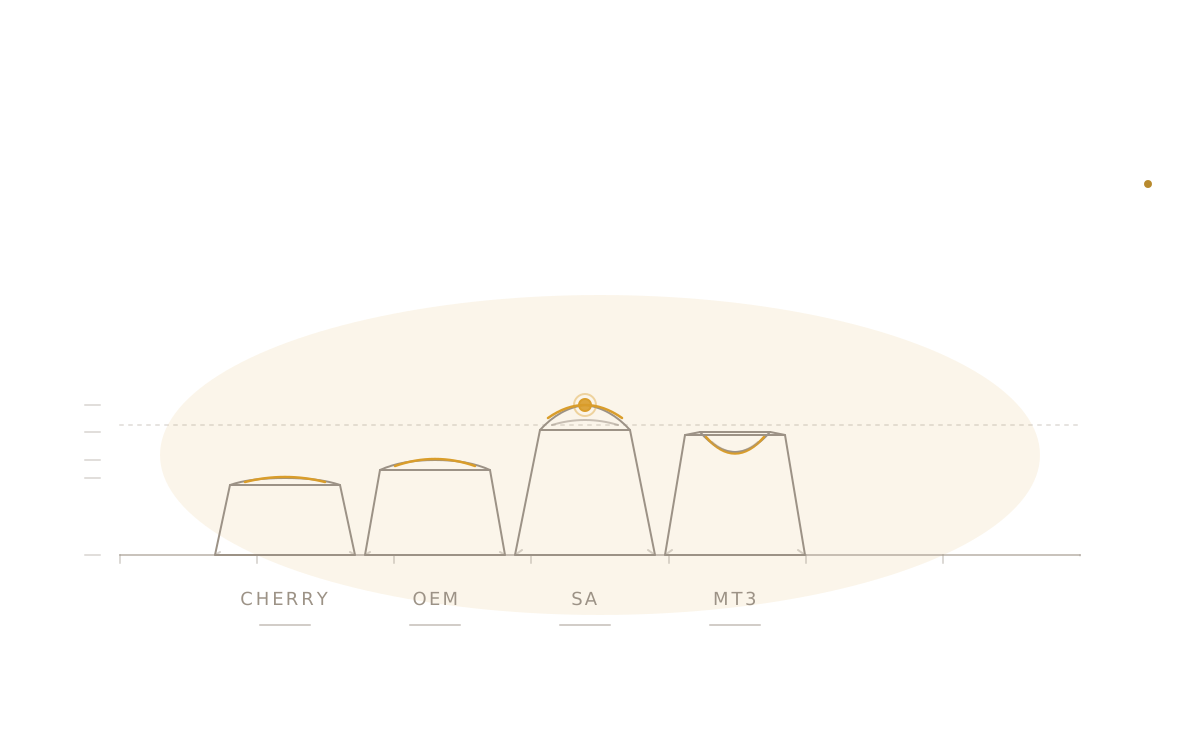
Keycap profiles, compared: Cherry, OEM, SA, and MT3
Most beginners agonize over switches for weeks, then drop any keycap set on top and discover the keycap was doing half the work all along. Profile shapes the sound, the typing angle, and the way a board reads on a desk — and the four profiles below cover almost every set on the market.
thock11 min read
Section
Other guides

Guides
What a switch's gram number actually tells you before you buy
Every switch spec sheet carries two gram numbers — actuation and bottom-out — and treating them as one number is the most common mistake in a first switch purchase. Here's what each one measures, what ranges actually suit typing versus gaming, and why the same number can feel completely different depending on switch type.
thock8 min read

Guides
Wireless keyboard buying guide: Bluetooth, 2.4GHz, and the latency that actually matters
"Wireless" on a spec sheet hides three different radios with three different latency numbers, battery habits, and ways to lose the thing. Here's how to pick the one that matches an actual desk instead of a marketing slide.
thock9 min read
Guides
How to clean and maintain a mechanical keyboard
Dust, oil, and crumbs collect on every keyboard whether anyone notices or not. A light routine on a fixed cadence keeps a board feeling and sounding like day one — no teardown required.
thock8 min read

Guides
Keyboard layout sizes, compared: 60% to full-size, which fits your desk
60%, 65%, 75%, TKL, full-size — the names read like a settled taxonomy, but each cut trades away a specific cluster of keys for a specific amount of desk space. Here's what a reader actually keeps and gives up at each size, and how a firmware layer changes the math.
thock8 min read

Guides
Split and ergonomic keyboards: a buyer's guide
Split doesn't automatically mean ergonomic, and ergonomic doesn't automatically mean split. Before spending money on either, a reader needs to know which of four separate design choices they're actually buying — and which one of them is solving their problem.
thock9 min read
Guides
Choosing your first custom keyboard kit: a buyer's guide
Most first custom keyboards aren't built from loose parts and aren't bought finished — they're a barebones kit, a case-plate-PCB bundle that leaves the rest of the decision to the buyer. Here's how to make that decision without guessing.
thock8 min read
Guides
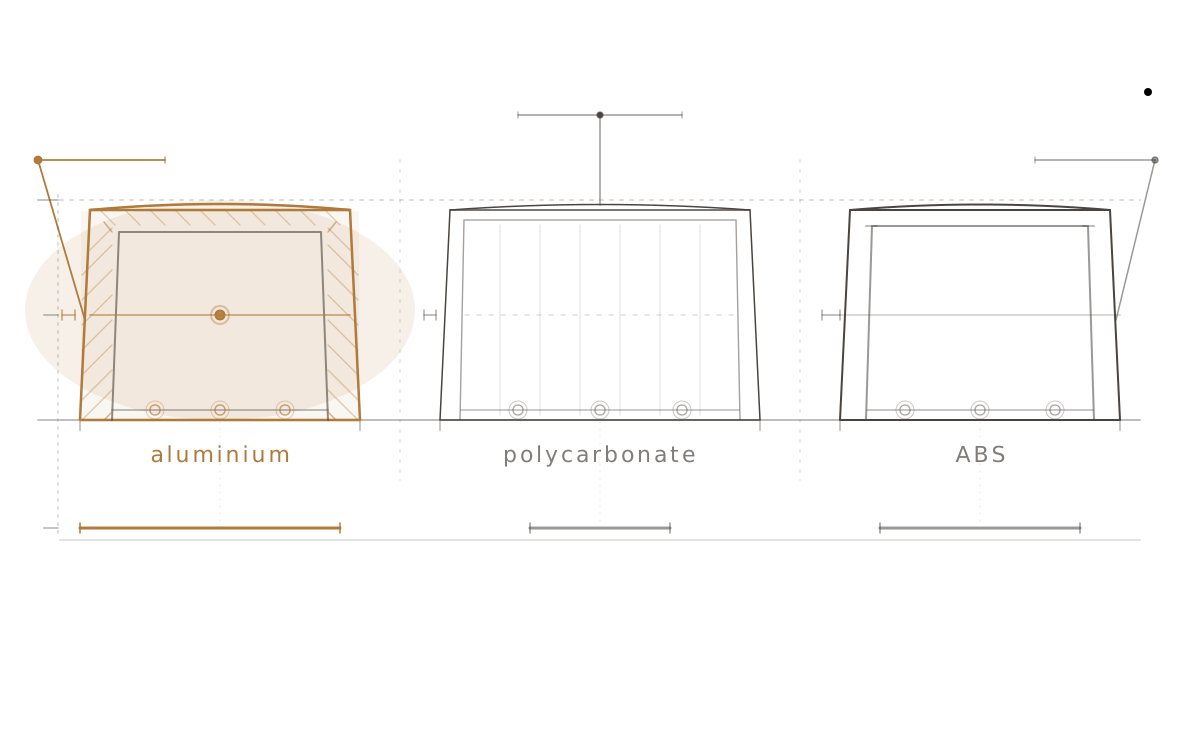
Keyboard case materials, compared: aluminium, polycarbonate, and ABS
The case is the largest resonant body in a keyboard. Aluminium, polycarbonate, and ABS each change the sound, feel, and weight profile in fundamentally different ways — here is what each material actually does.
thock11 min read